- XR Hub India
- Posts
- Steam Link Now Available on Meta Quest
Steam Link Now Available on Meta Quest
A New Era of VR Gaming

Vishal Pandey
December 01, 2023
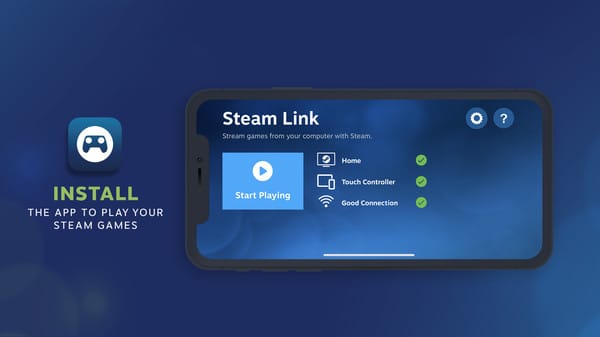
Exciting news for VR enthusiasts! Valve has launched the Steam Link app on Meta Quest, marking its first application on Meta's VR platform. This breakthrough allows users to seamlessly connect their Quest headset to SteamVR wirelessly, enabling them to play a vast array of PC VR and flatscreen PC games directly through their headset.
How It Works
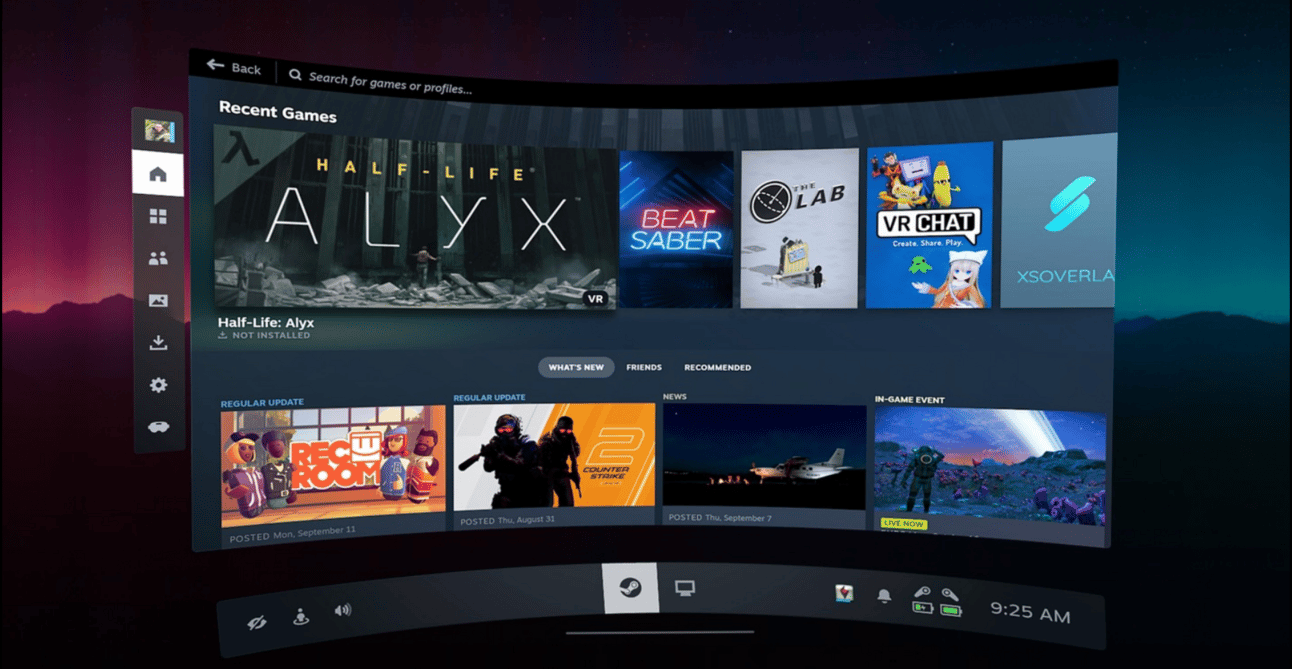
The process is straightforward: ensure your PC (running Steam) and the Quest headset are on the same network. Launch the Steam Link app on your Quest, enter the pairing code displayed on your PC, and voila! You’re ready to explore your SteamVR library. Not just limited to VR games, you can also play any game from your Steam library on a virtual big screen.
Requirements for Steam Link
To use Steam Link, your setup needs to meet these minimum requirements:
Wi-Fi: 5 GHz minimum, with a wired connection to PC
GPU: NVIDIA GTX970 or better
Operating System: Windows 10 or newer
Headset: Compatible with Meta Quest 2, 3, or Pro
Possible Future Features
There's speculation that Steam Link might support eye-tracking and face-tracking for Oculus Pro users, though this is yet to be tested.
Frequently Asked Questions (FAQ)
Q1: Do I need to install any additional software on my PC to use Steam Link?
Q2: Can I play all my Steam games using Steam Link on Meta Quest?
Q3: Is the Steam Link app free to download?
Understanding Key Terminology
SteamVR: A platform and application interface (API) by Valve that provides support for VR games.
Meta Quest: A line of virtual reality headsets developed by Meta Platforms, Inc.
Eye-Tracking: A technology in VR headsets that tracks the movement of the user's eyes.
Face-Tracking: A technology used to detect facial expressions and movements for a more immersive VR experience.
Reply